







Automatic roles and server leaderboard in the Discord bot
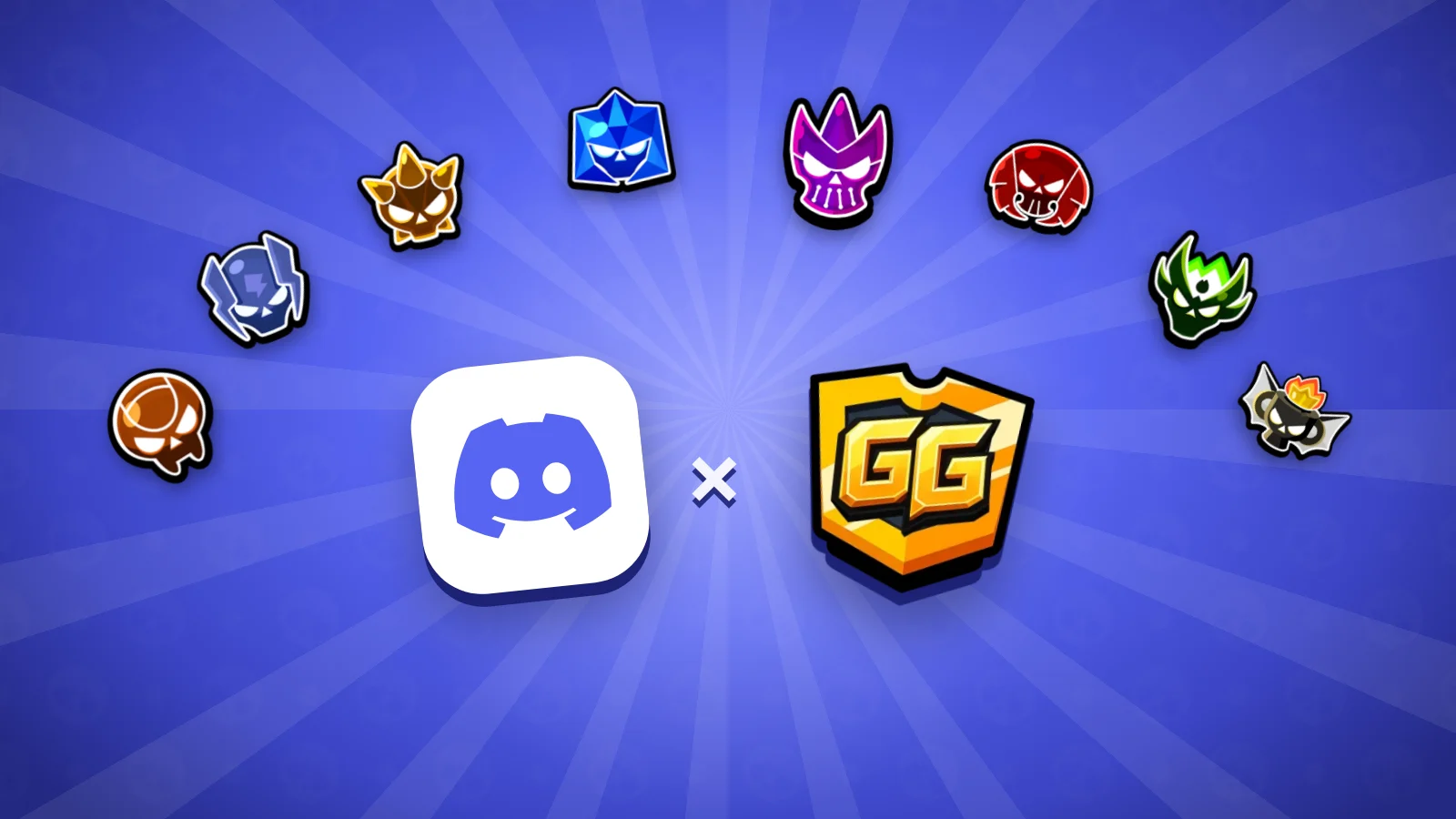
The BrawlHub GG Discord bot brings two new features for Brawl Stars servers: roles that are given automatically and a server leaderboard. Both use your BrawlHub GG account, so nobody can lie about their rank.
Automatic roles
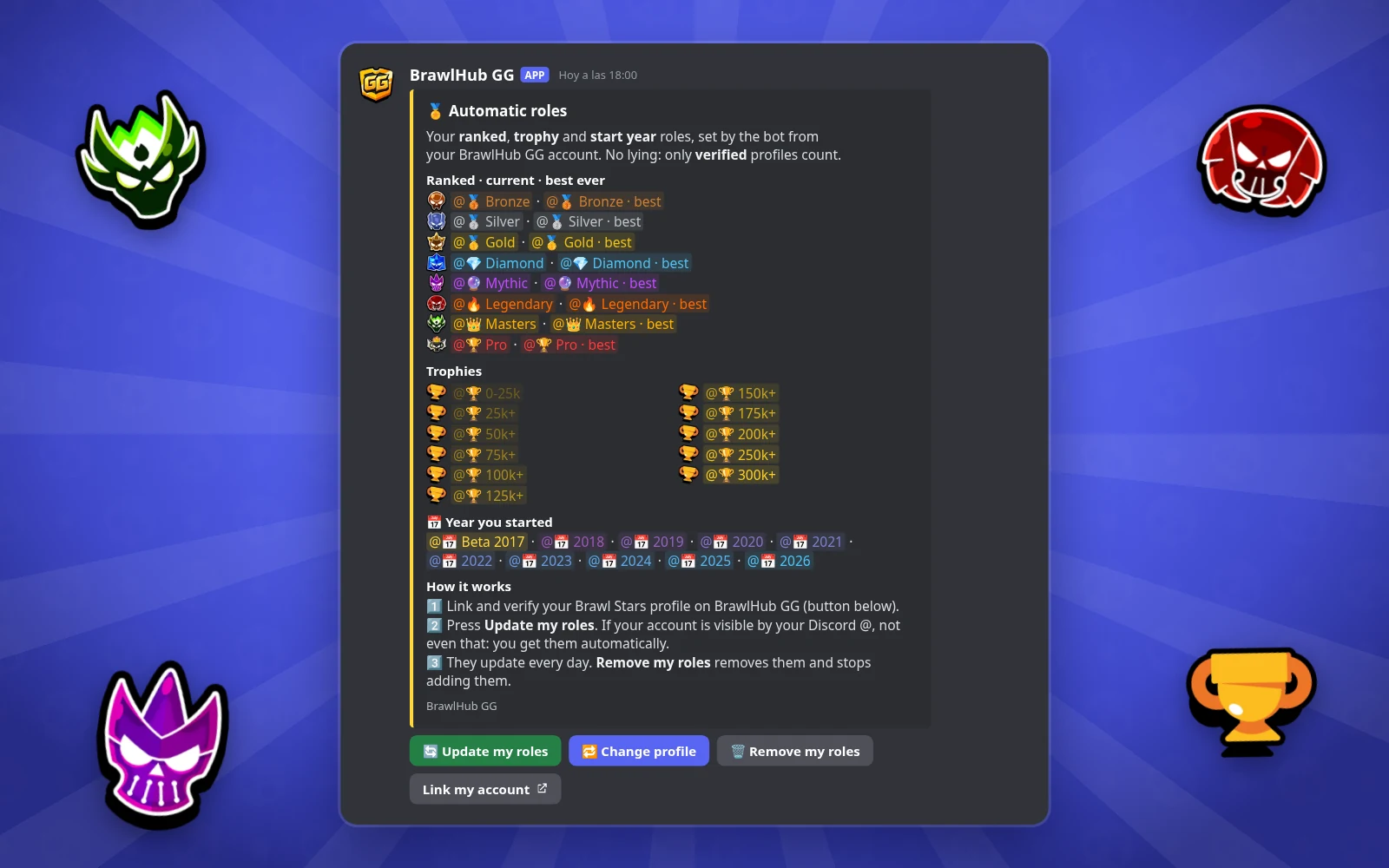
With /autoroles setup the bot posts a message in the channel you choose and creates the roles: your current ranked rank, your best ever and your trophy tier (every 25k up to 200k, then 250k and 300k+). Only profiles verified on BrawlHub GG count, which requires changing your in-game icon, so no more giving yourself Masters by hand. If you let people find you by your Discord @, the roles arrive by themselves; if not, just tap “Update my roles”. They are checked every day, and “Remove my roles” takes them away whenever you want. Since 10 November it also gives you the role for the year you started playing: “Beta 2017”, “2018”, “2019”… and every new year gets its own role automatically.
Choose which profile
If you have several verified profiles on BrawlHub GG, the “Change profile” button in the message lets you choose which one to use in each server. The main one is used by default.
Server leaderboard
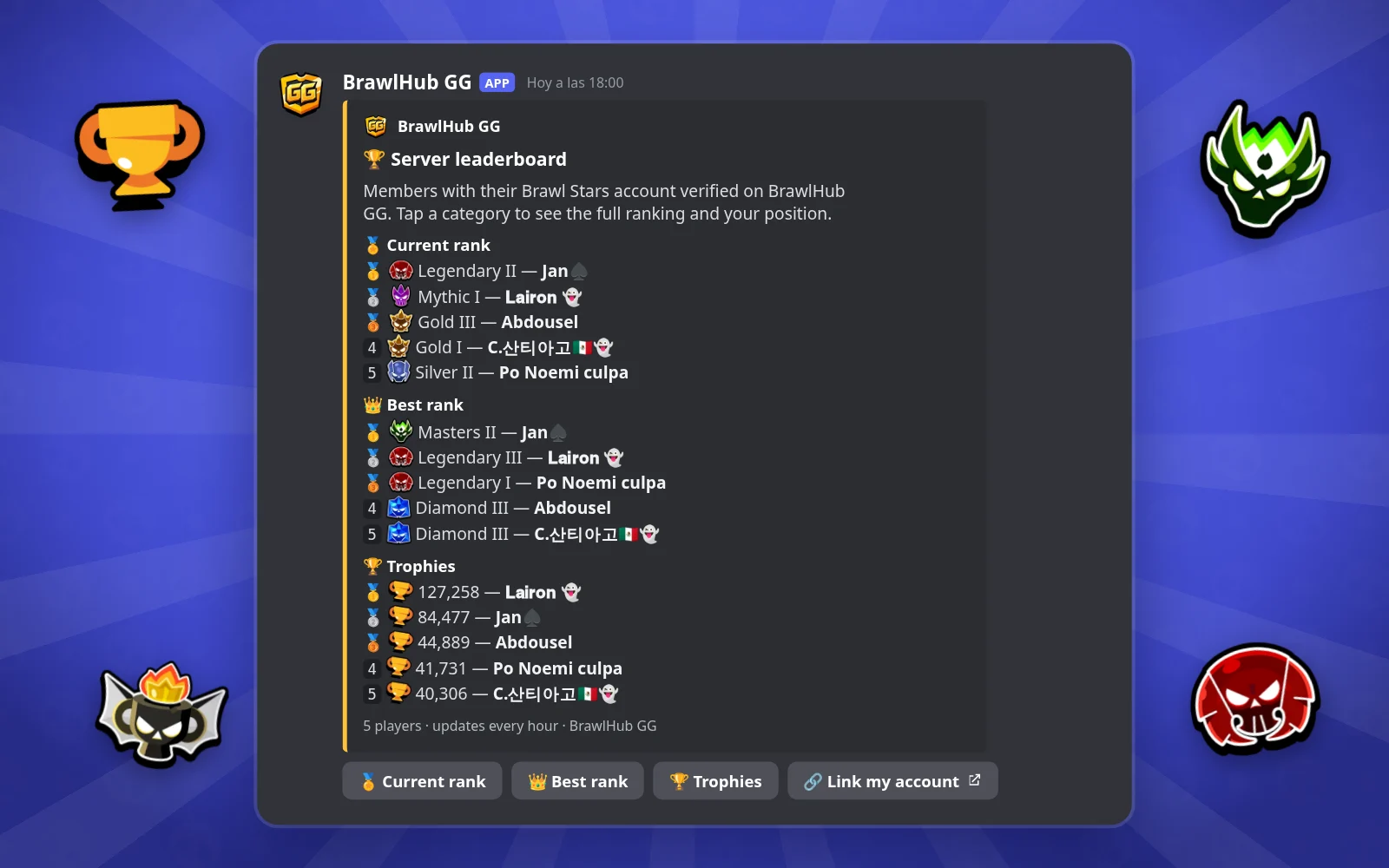
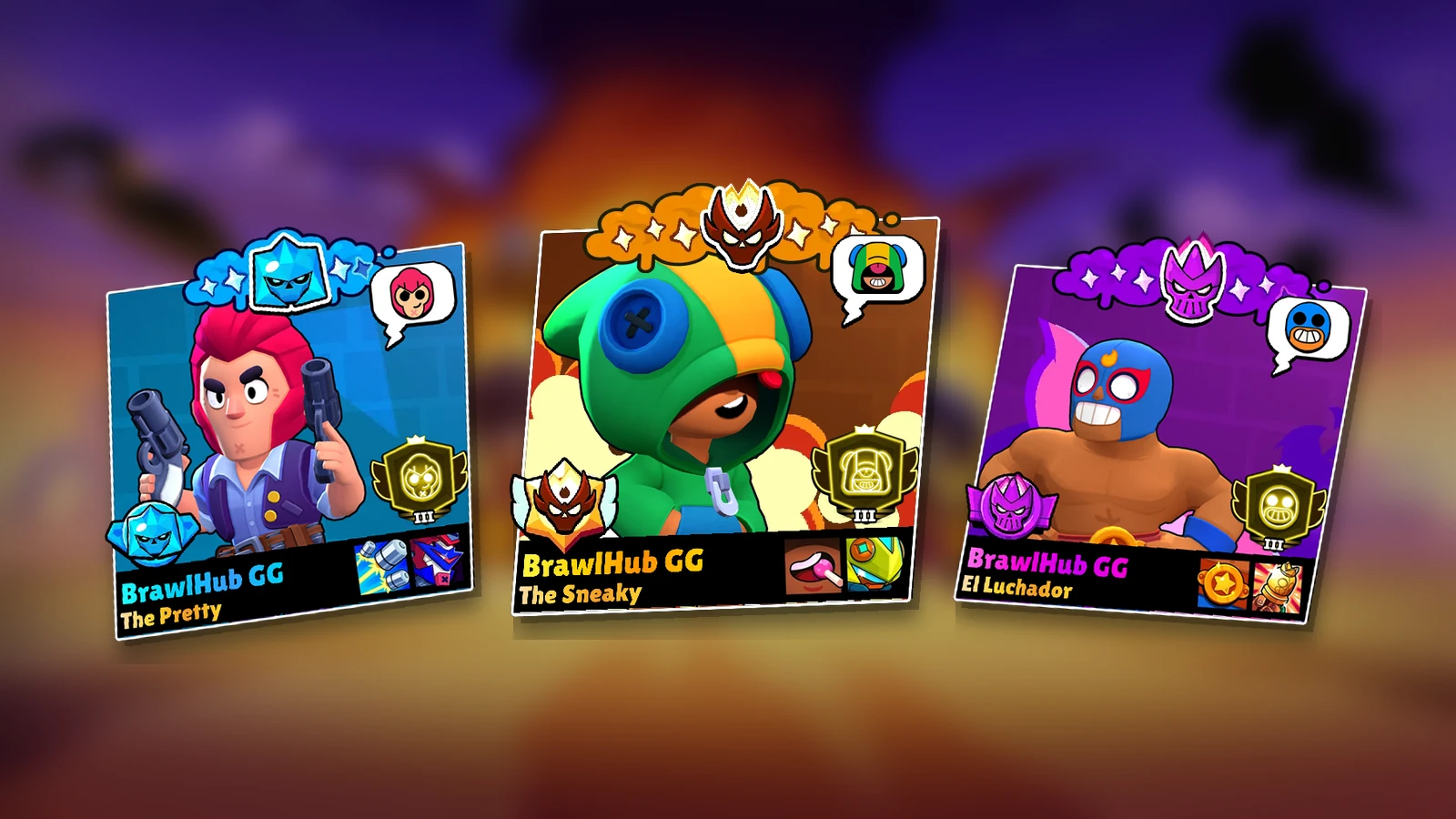
With /servertop setup the bot posts a message with the members’ top 5 in current rank, best rank and trophies, and it updates by itself every hour. Each category has a button that opens the full ranking just for you, page by page and with your position, plus another one to link your account if you’re not there yet.
Everything from the dashboard
In the Roles tab of the dashboard you can post both messages, change the name and colour of each role, turn off the blocks you don’t want and see your roles. If the game changes its ranks or top players reach more trophies, we’ll add the new roles and the messages will update by themselves in every server, keeping whatever you customised.
Add the Discord bot to your server from its page and, if you have ideas or find a bug, write to us from the contact page.